ennoCash — The whole office, in your pocket.
Software for money transfer offices. ennoCash runs the daily work of a transfer office: transfers, partner offices, cash and exchange. Exact to the last digit, in English and Arabic.
Free for 7 days. Available on the App Store and Google Play.
What you can count on
Each office sees only its own books. Records are never rewritten. Nothing is paid out before the recipient’s ID is captured. And no one at ennoCash looks without your approval.
Your books stay yours.
Each office’s records are visible only to its authorised staff. A partner office sees only what a shared transfer needs.
History can’t be rewritten.
Financial records are never edited or deleted. Mistakes are corrected with new, linked entries.
Paid only after verification.
The recipient’s ID is captured before payout is confirmed, and each payout is recorded exactly once.
Support only with your approval.
ennoCash staff see office data only when the owner approves, read-only, and every access is recorded.
Every transfer, accounted for.
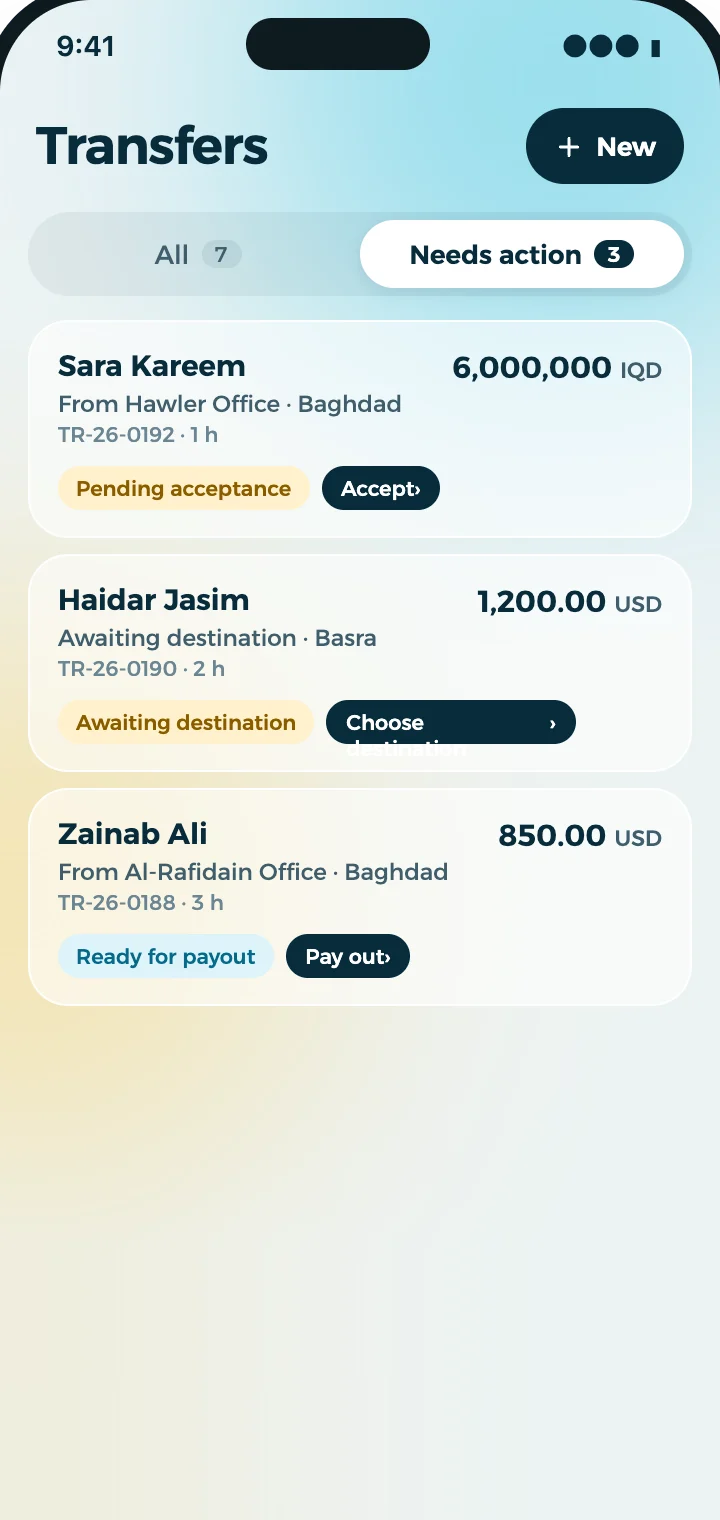
Transfers: From request to payout.
Accept, route and pay out with partner offices. Every step is recorded once, and the recipient’s ID is captured before payout.
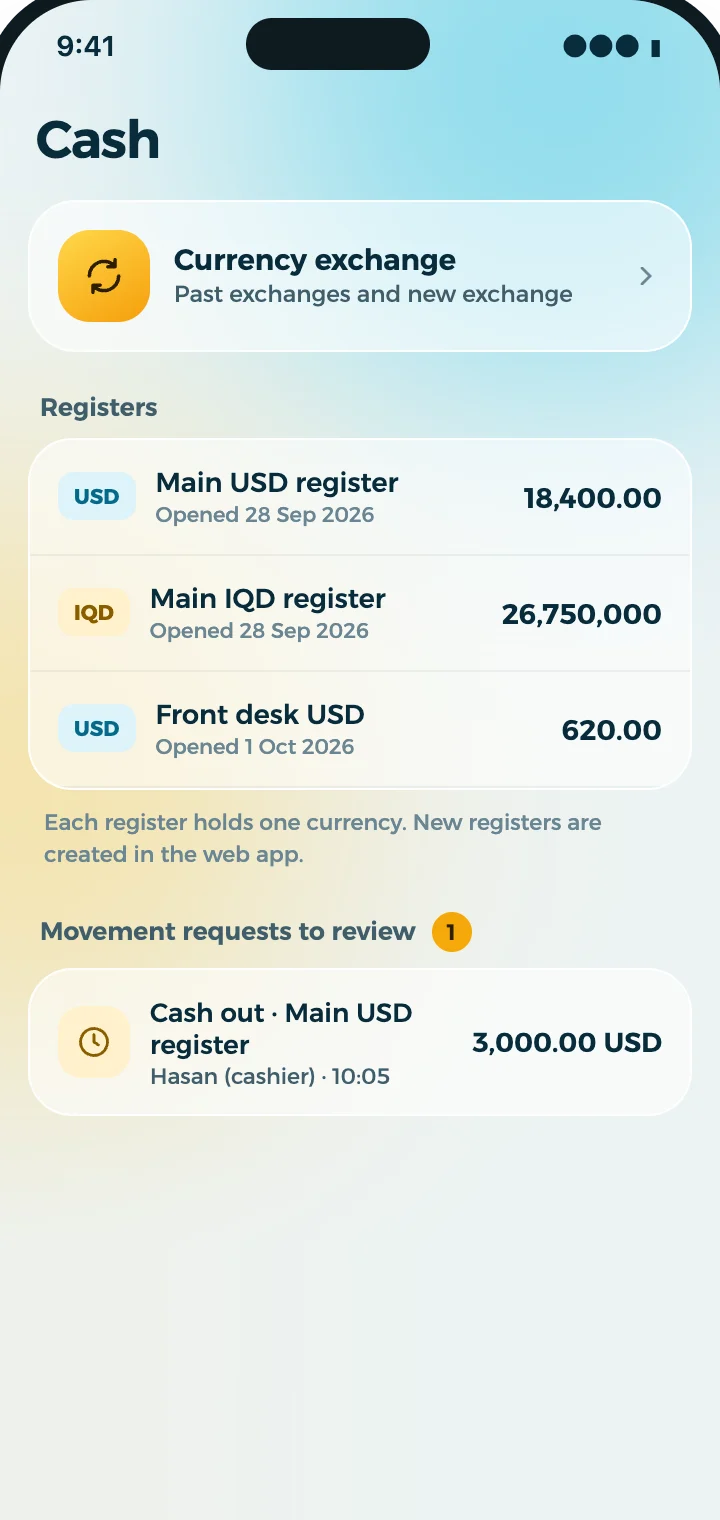
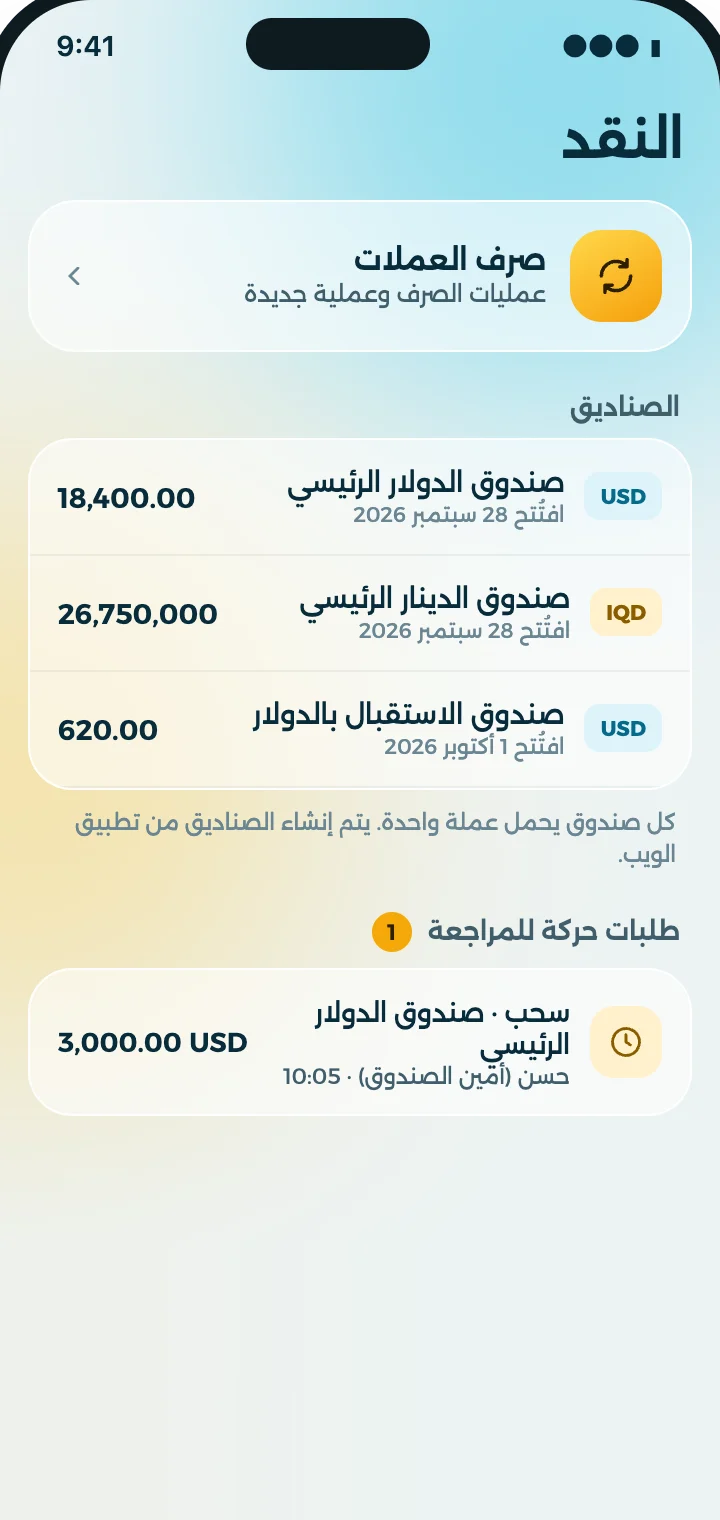
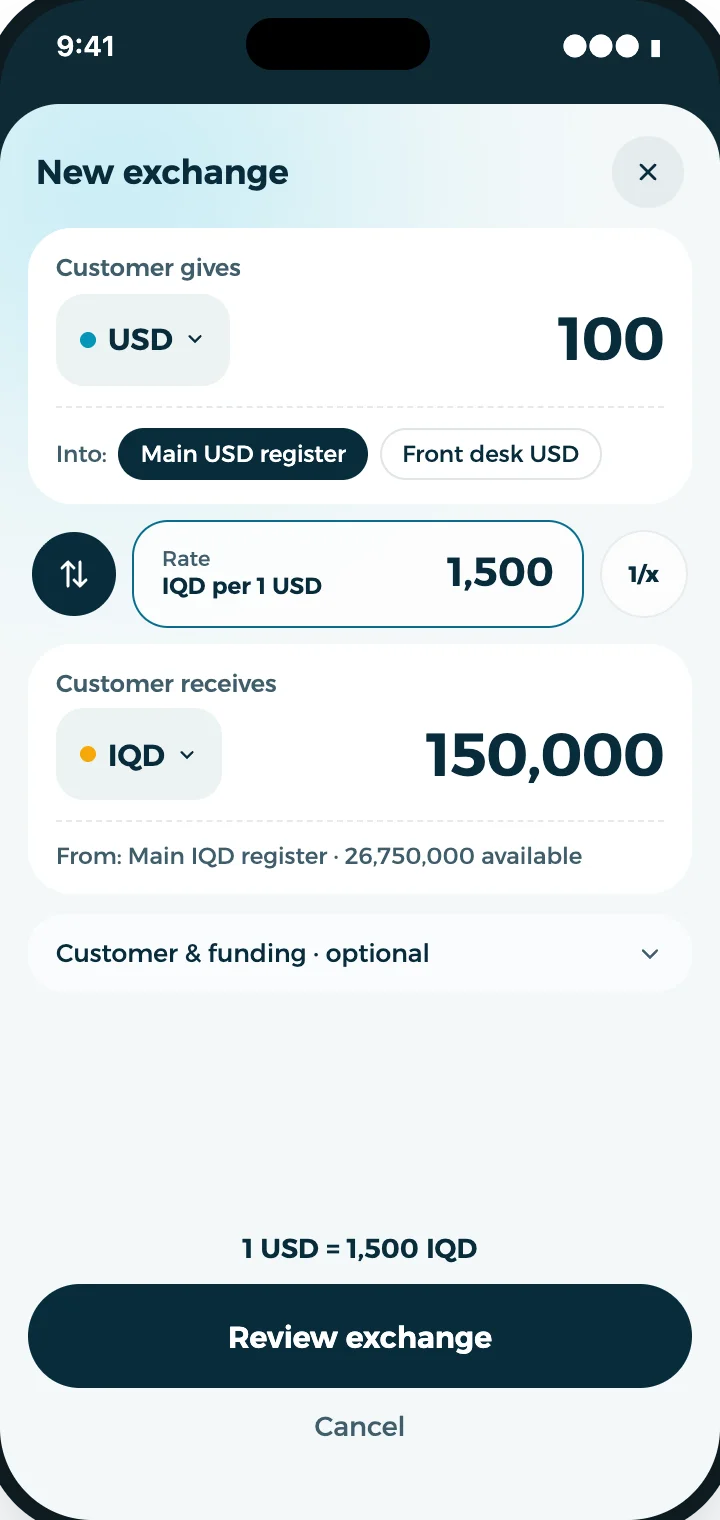
Cash: Every currency, kept apart.
Each register holds one currency. Cash movements wait for review before they count.
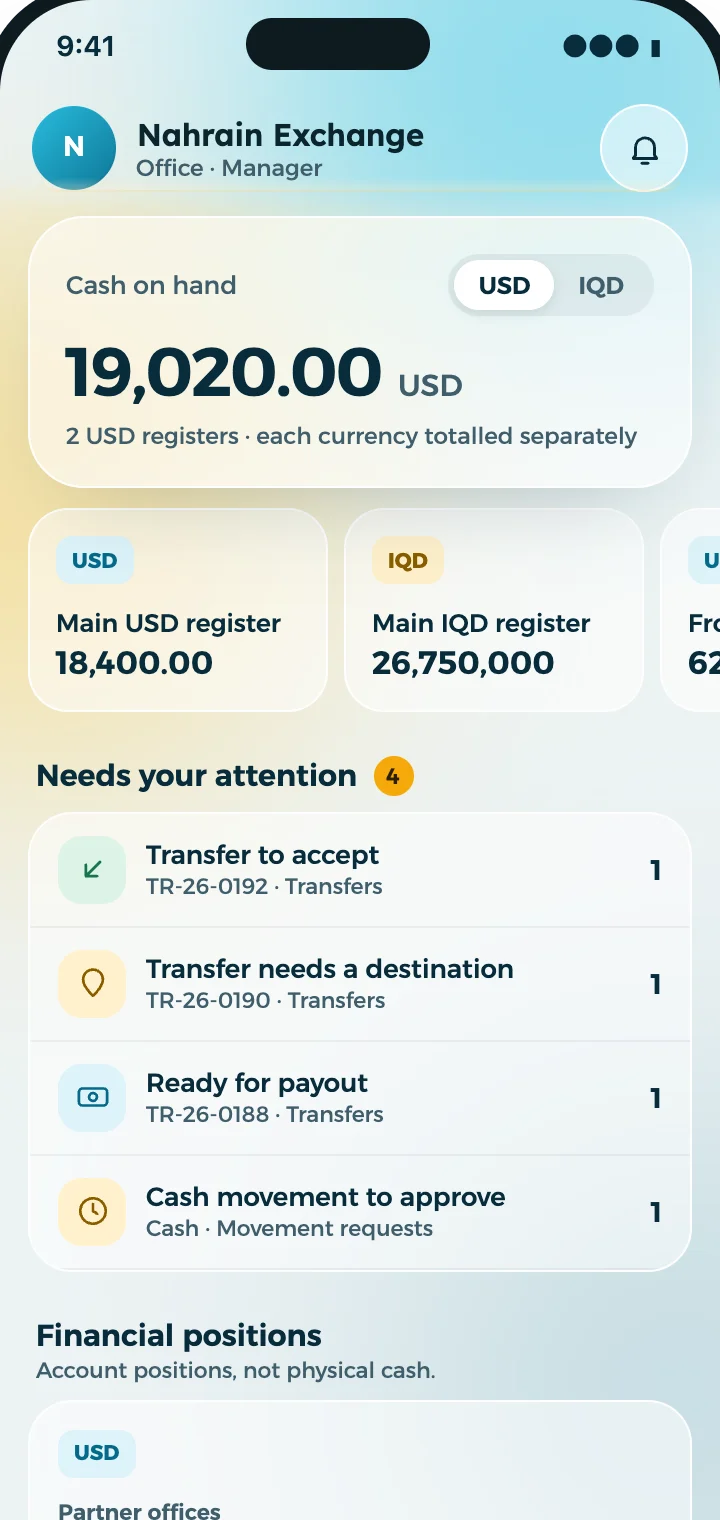
Overview: Your position at a glance.
Cash on hand, what needs your attention, and what you owe and are owed with every partner.
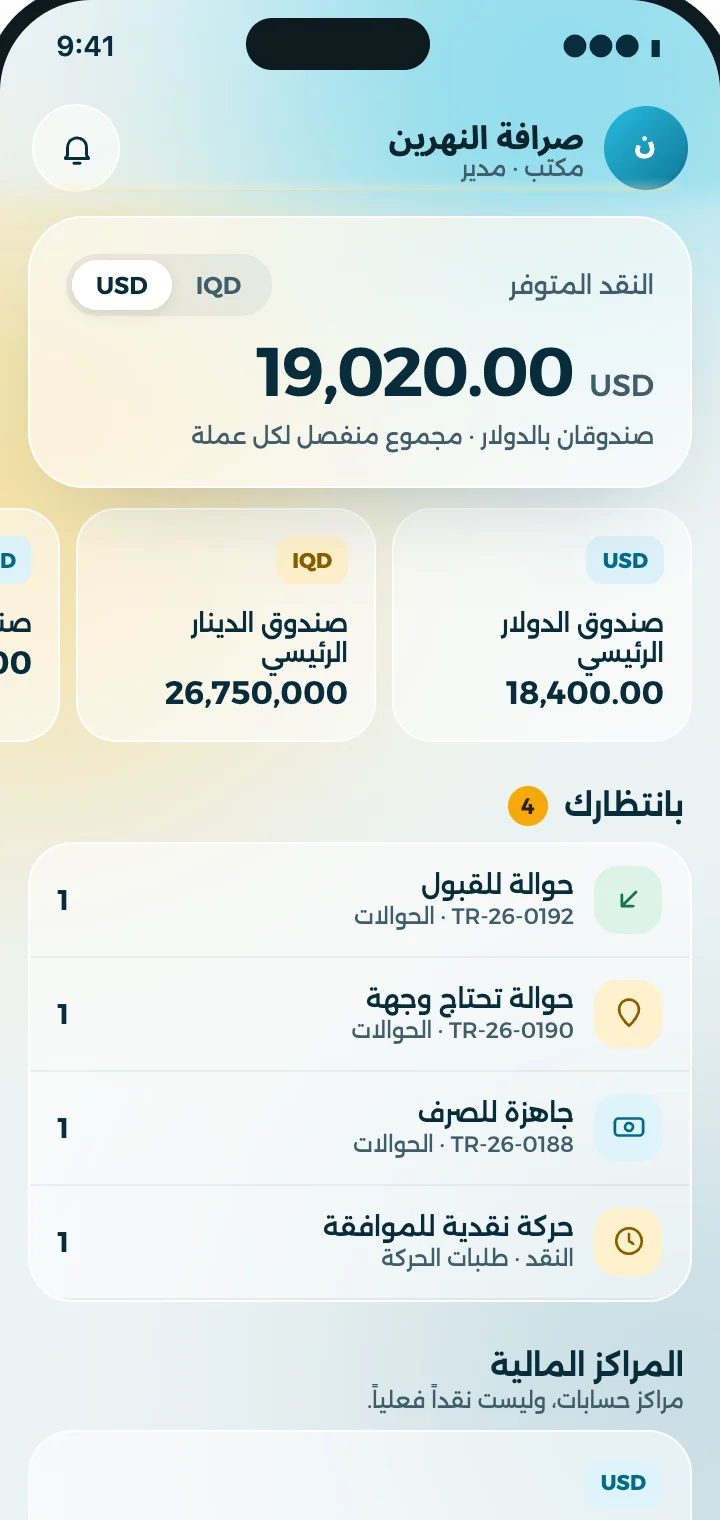
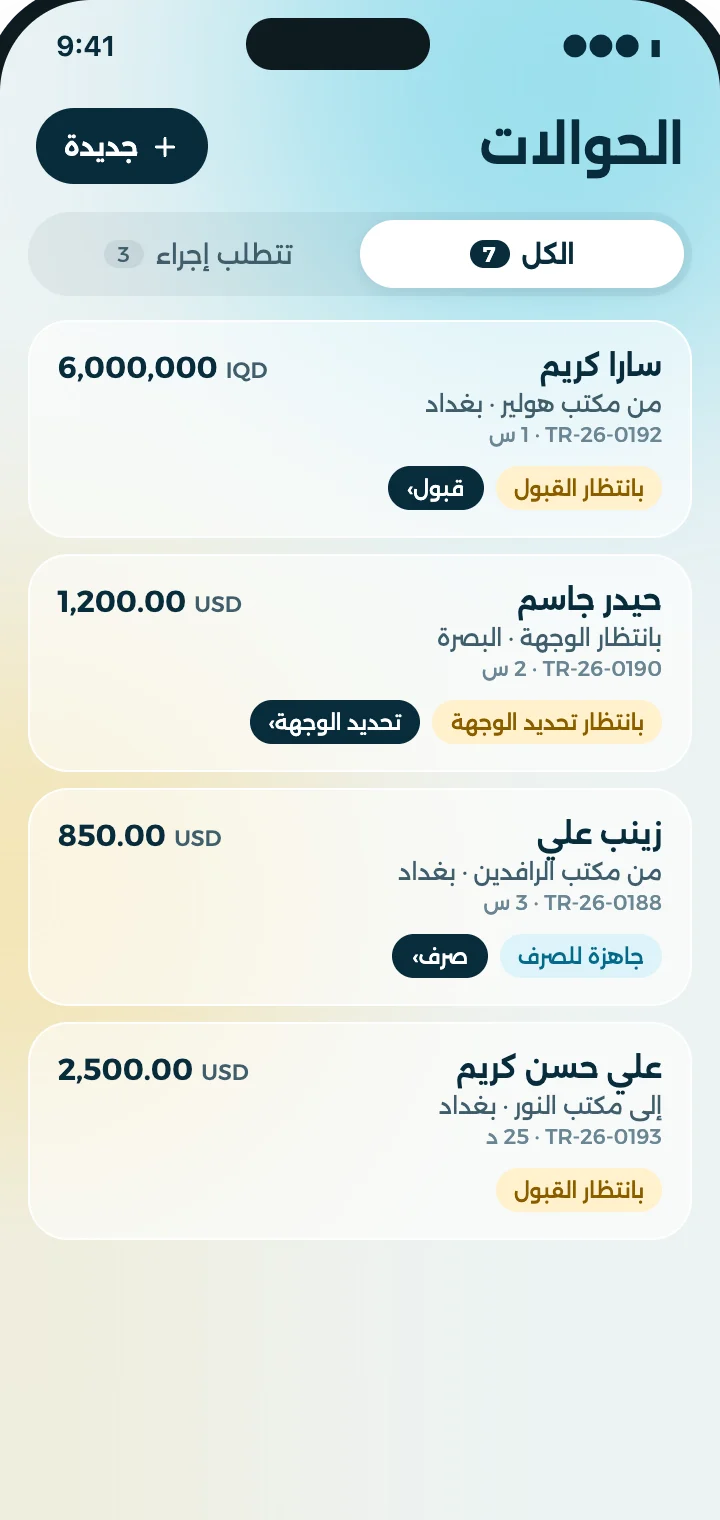
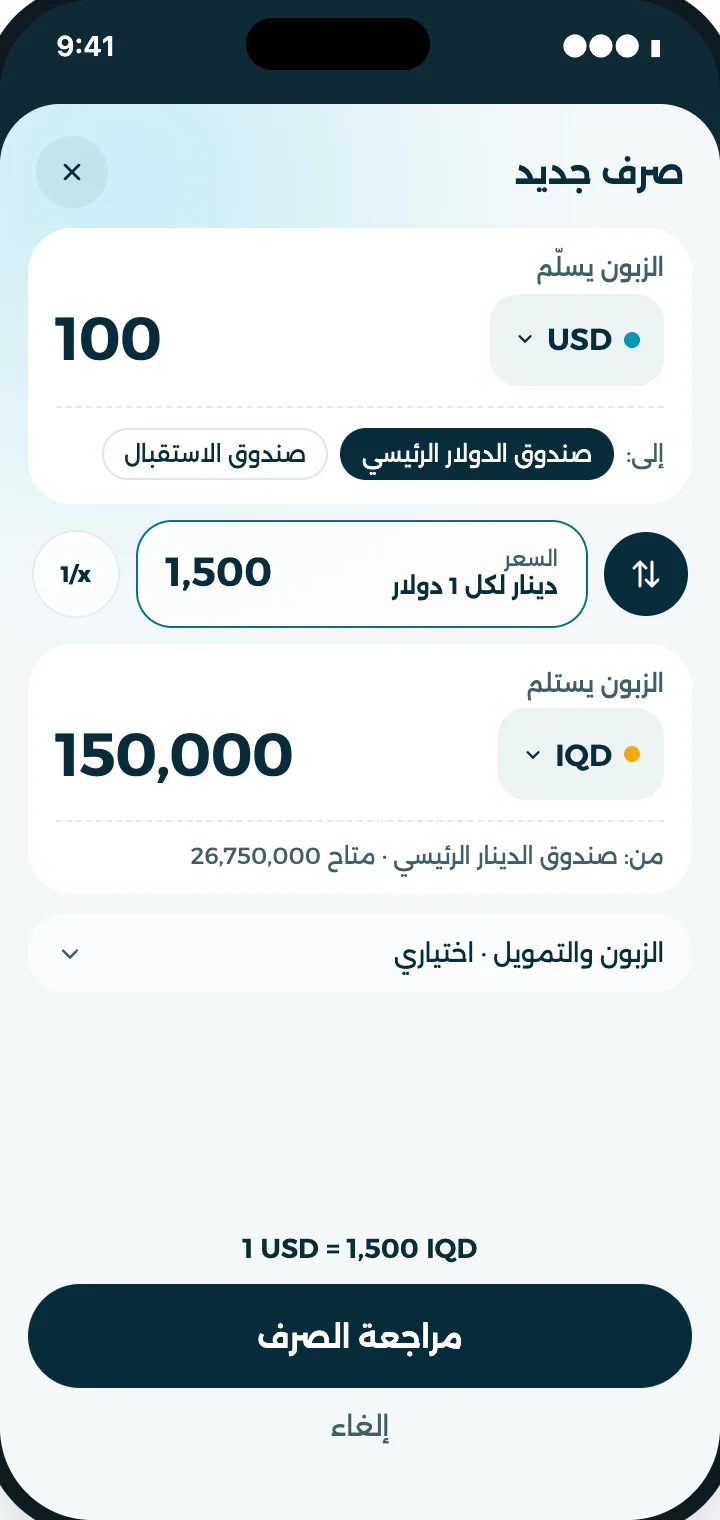
Arabic and English: Equally native.
Right to left from the first screen. Switch language at any time; amounts stay exact in both.
Both sides of the counter.
For offices
- Accept, route and pay out transfers with partner offices
- Cash registers and exchange, each currency kept separately
- Statements with every partner and company, always up to date
For companies
- Request transfers from your own account
- Balance, holds and availability for each currency
- Share collection details on WhatsApp in one tap
Frequently asked questions
How do I get started?
Download ennoCash and create your office. You can use it free for 7 days.
How do I choose a license?
Email us before your trial ends and we will set up the license that fits your office.
I cannot sign in.
Use the email your office invited. If it still does not work, your office owner can resend the invitation, or write to us.
How do I delete my account?
Delete it in the app at once, or send a request and we complete it within 72 hours.
Who can see my data?
Only your office’s authorised staff. Our privacy policy explains it in full.